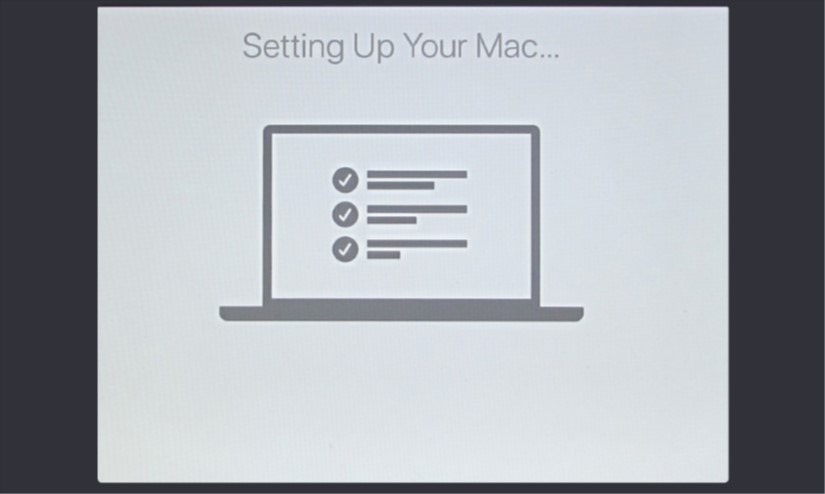
Set Up Your Mac for the First Time

Setting up your new desktop or notebook Mac for the first time can be a daunting experience but it’s nothing to be afraid of. In this section we take you through the initial set up process, from switching it on and setting up or logging in with your Apple ID, all the way to having […]
Read More

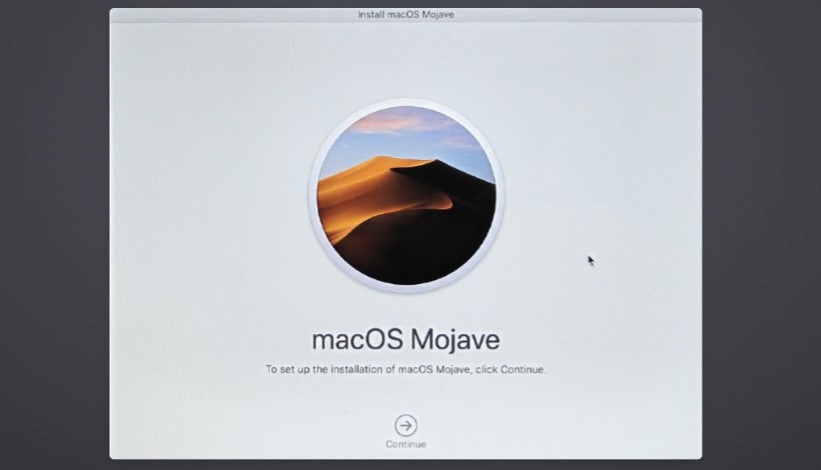
Update macOS To Mojave

If your Mac is running an older version of the operating system, you’re probably keen to upgrade to the latest release of macOS, Mojave. Fortunately, Apple has made this very easy to do. As long as your Mac meets the minimum system requirements, you can upgrade over the Internet, and it’s free too. […]

Read More

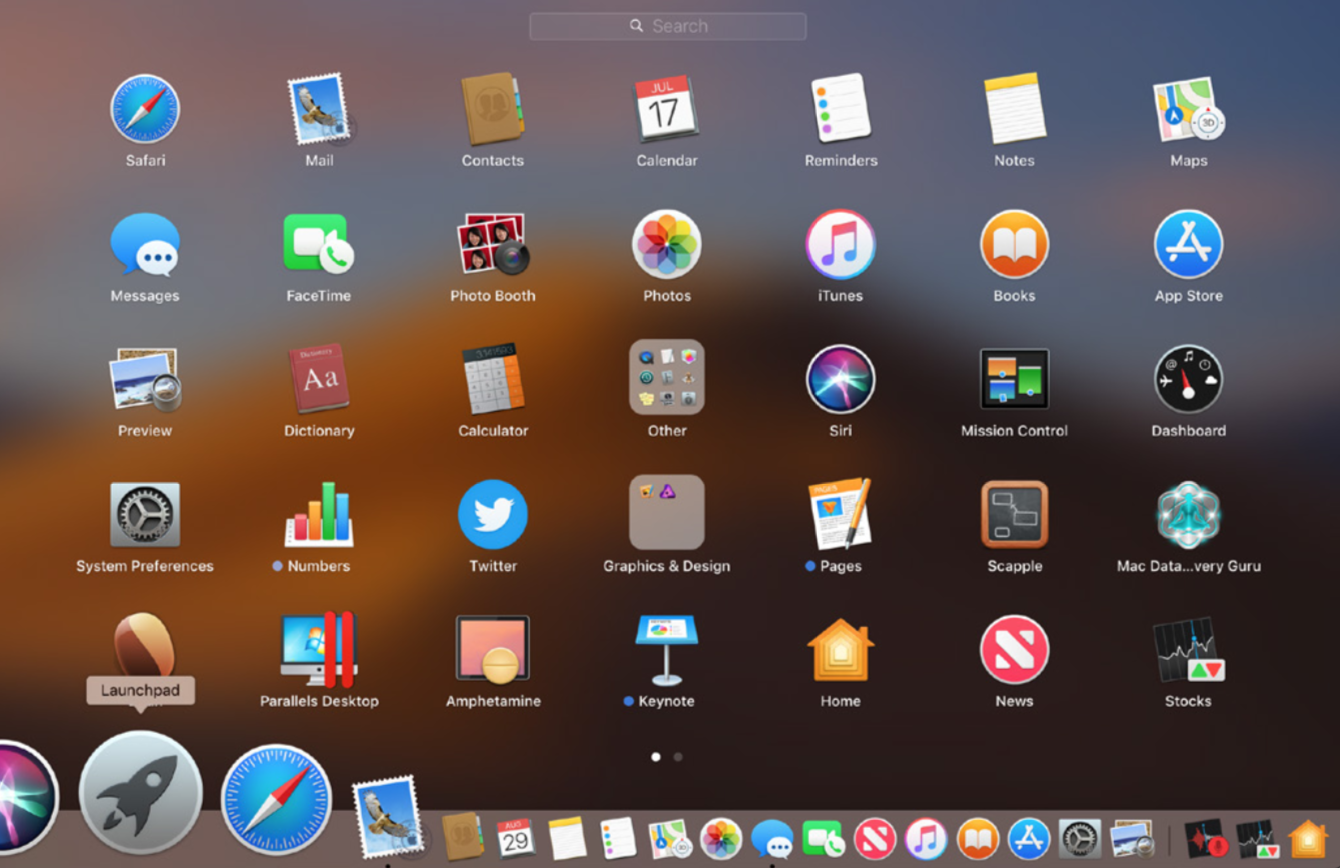
Launching Applications And Quitting Them Too

There are several ways of launching an app on your Mac. You can: use the Launchpad, which is found in the Dock; you can open a Finder window and navigate your way to the application you wish to use; or you can click on the Spotlight feature and simply type its name. Here’s how to […]

Read More

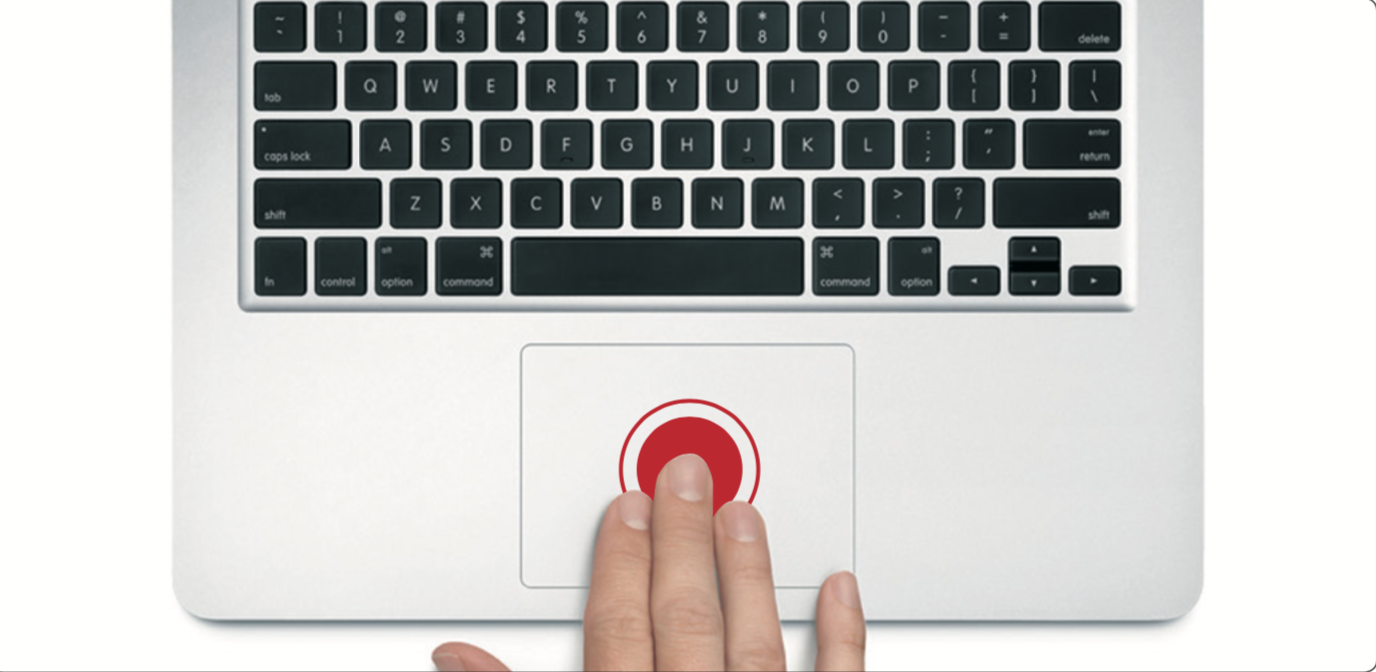
Gesture Controls On Your Mac’s Trackpad

Something we really like about the Mac is the way you can navigate using gesture controls, just like you do on your phone. These gesture controls can be performed on a Mac notebook’s trackpad or on the Apple Magic Trackpad, which is available for desktop Macs. You can even do a few of them on […]

Read More